How to combine features
This guide shows you how to combine multiple chat features in a single Chat to handle richer use cases.
Each feature shipped with the chat is composable: file upload, example questions, custom actions, and rich Dash-component responses can all be enabled on the same Chat. The example below pairs them all to turn an uploaded CSV plus a natural-language prompt into a Plotly chart, using Vizro-AI as the generative backend.
What we combine
| Feature | Role in this example |
|---|---|
file_upload=True |
Lets the user attach a CSV or Excel file |
example_questions=[...] |
Primes the user with valid prompt shapes |
Custom ChatAction |
Decodes the file, calls Vizro-AI, returns a dcc.Graph |
| Rich response | Returning a Dash component instead of text so the chart renders inline |
See Add file upload, Add example questions, and Render Dash components for each feature on its own.
Install Vizro-AI
Set OPENAI_API_KEY (and optionally OPENAI_BASE_URL).
Build a chart-generating chat
The action below decodes the first uploaded file into a pandas.DataFrame, passes it to chart_agent along with the user's prompt, and returns the resulting Plotly figure as a dcc.Graph.
Chat that turns a file plus a prompt into a chart
import base64
import io

import pandas as pd
from dash import dcc
from vizro_ai.agents import chart_agent

import vizro.models as vm
from vizro import Vizro
from vizro_experimental.chat import Chat, ChatAction, Message


class VizroAIChat(ChatAction):
    def generate_response(
        self,
        messages: list[Message],
        uploaded_files: list[dict] | None = None,
    ) -> dcc.Graph | str:
        if not uploaded_files:
            return "Please upload a CSV or Excel file first."

        file = uploaded_files[0]
        raw = base64.b64decode(file["content"].split(",", 1)[1])
        if file["filename"].endswith(".csv"):
            df = pd.read_csv(io.BytesIO(raw))
        else:
            df = pd.read_excel(io.BytesIO(raw))

        chart = chart_agent(df=df, user_prompt=messages[-1]["content"])
        return dcc.Graph(figure=chart.figure)


page = vm.Page(
    title="Combined features",
    components=[
        Chat(
            actions=VizroAIChat(),
            placeholder="Upload a file and describe the chart you want…",
            file_upload=True,
            example_questions=[
                "Show a bar chart of the data",
                "Create a scatter plot of price vs quantity",
                "Make a pie chart showing distribution",
                "Plot a line chart over time",
            ],
        )
    ],
)

Vizro().build(vm.Dashboard(pages=[page])).run()
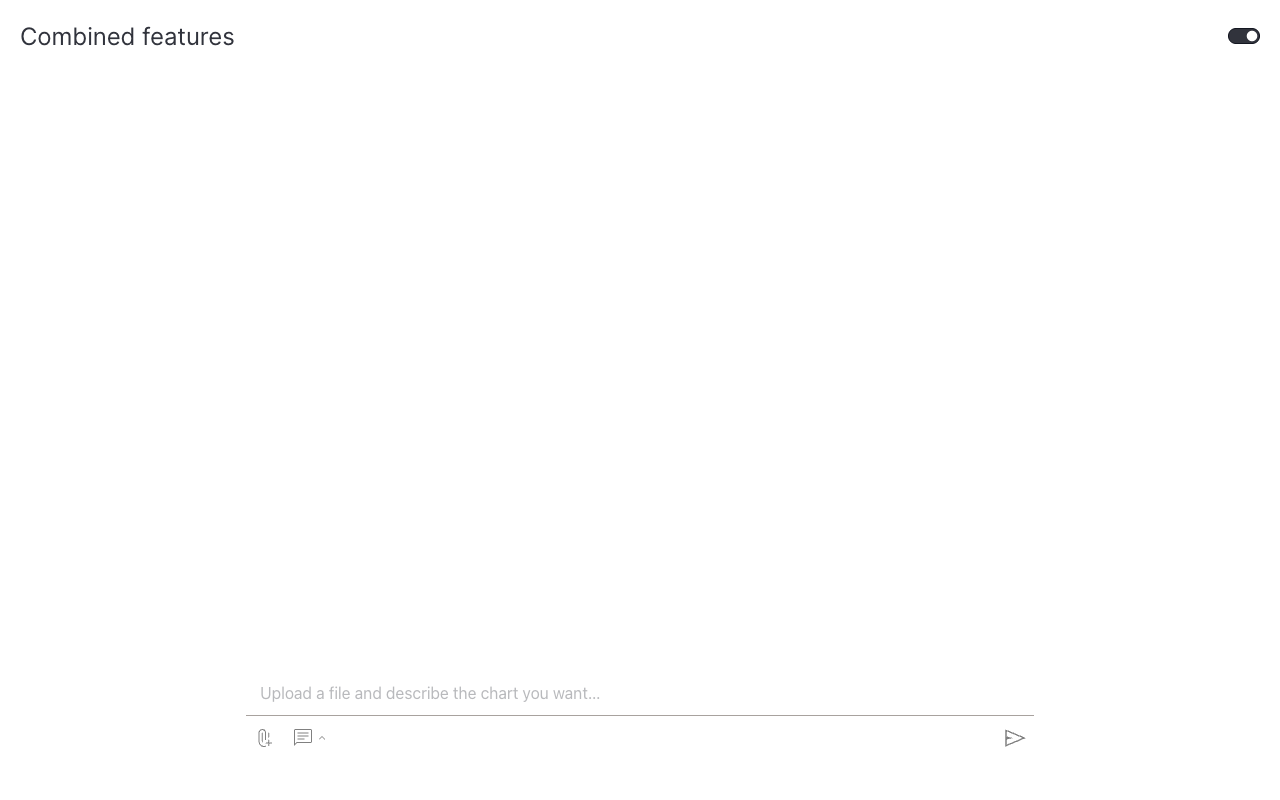
The chat input now pairs two on-ramps:
- The paperclip icon for file upload.
- The chat icon for example-question prompts.
A non-streaming ChatAction is used so the response can be a full dcc.Graph rather than a stream of text chunks.
What's next
- Add a chat popup: for dashboards where chat should live across pages rather than on a dedicated builder page.