How to stream text responses
This guide shows you how to stream tokens to the chat UI as they arrive from the model.
A StreamingChatAction differs from a ChatAction in one way: generate_response is a generator that yields string chunks instead of returning a single string. The chat component pushes each chunk to the browser over Server-Sent Events and appends it to the assistant bubble in real time.
Install the OpenAI SDK
Set OPENAI_API_KEY (and optionally OPENAI_BASE_URL).
Define a streaming action
Subclass StreamingChatAction and yield each delta the model emits.
OpenAI streaming chat
from collections.abc import Iterator

from openai import OpenAI
from pydantic import Field

import vizro.models as vm
from vizro import Vizro
from vizro_experimental.chat import Chat, Message, StreamingChatAction


class OpenAIStreamingChat(StreamingChatAction):
    model: str = Field(default="gpt-4.1-nano")

    def generate_response(self, messages: list[Message]) -> Iterator[str]:
        client = OpenAI()
        api_messages = [{"role": m["role"], "content": m["content"]} for m in messages]
        response = client.responses.create(
            model=self.model,
            input=api_messages,
            instructions="Be polite and creative.",
            store=False,
            stream=True,
        )
        for event in response:
            if event.type == "response.output_text.delta":
                yield event.delta


page = vm.Page(
    title="Streaming chat",
    components=[Chat(actions=OpenAIStreamingChat())],
)

Vizro().build(vm.Dashboard(pages=[page])).run()
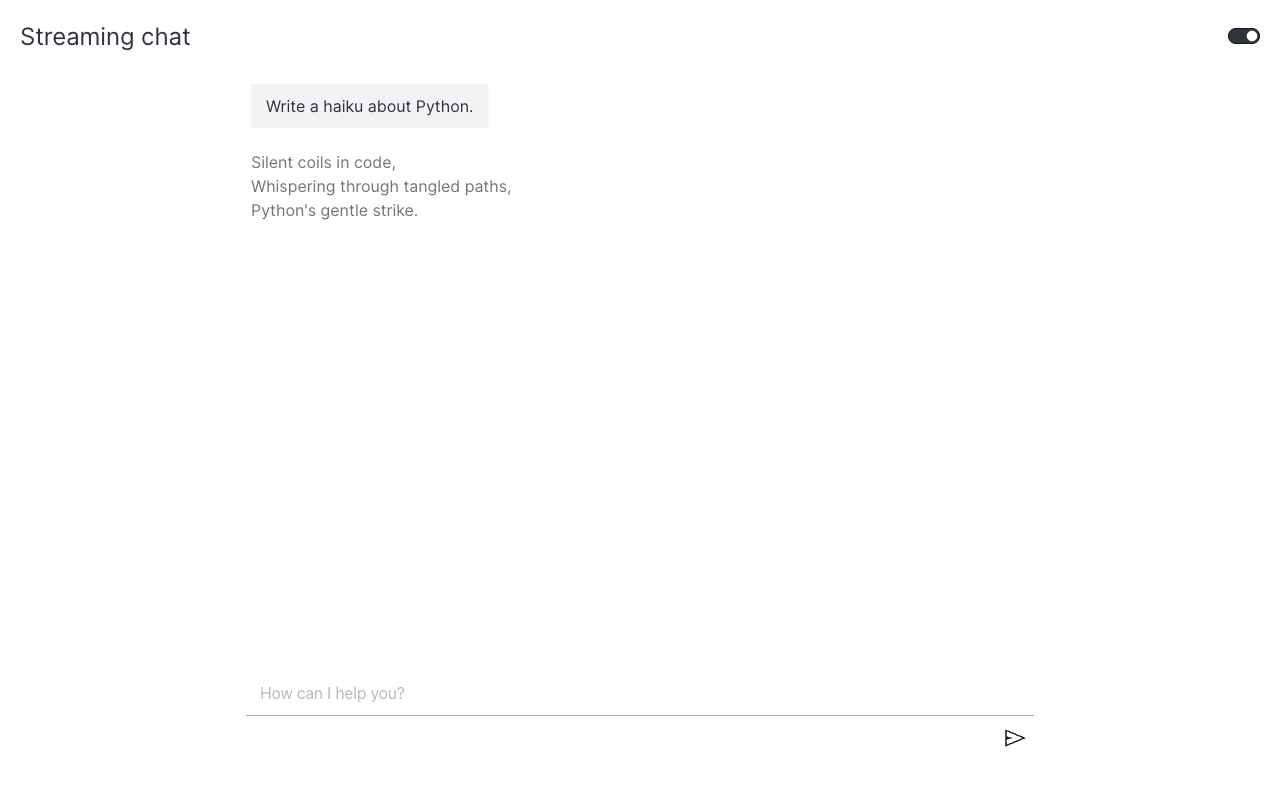
For a non-streaming version of the same pattern (full reply in one shot), see Use a real LLM.
When to use streaming
Reach for StreamingChatAction when the model can stream and the response is text-only. Use the synchronous ChatAction when:
- The backend returns the full reply in one call (no streaming API).
- You need to return a Dash component instead of text. See Render Dash components. Streaming only supports text chunks.
What's next
- Render Dash components: return charts and rich layouts from a
ChatAction. - Add example questions: surface predefined prompts next to the input.