How to use a real LLM
This guide shows you how to wire a real LLM as the backend for a chat.
The pattern is the same regardless of provider: subclass ChatAction, call the model inside generate_response, and return the assistant message. We use Anthropic Claude as the example below. Replace the SDK call with any other backend like OpenAI.
Install a provider SDK
Set ANTHROPIC_API_KEY (and optionally ANTHROPIC_BASE_URL).
Wire the LLM into a ChatAction
Add a Pydantic field for the model name so it's configurable per Chat instance, then call the SDK and return the model's text.
Chat backed by Claude
from anthropic import Anthropic
from pydantic import Field

import vizro.models as vm
from vizro import Vizro
from vizro_experimental.chat import Chat, ChatAction, Message


class ClaudeChat(ChatAction):
    model: str = Field(default="claude-haiku-4-5-20251001", description="Anthropic model name.")

    def generate_response(self, messages: list[Message]) -> str:
        client = Anthropic()
        api_messages = [{"role": m["role"], "content": m["content"]} for m in messages]
        response = client.messages.create(
            model=self.model,
            max_tokens=1024,
            messages=api_messages,
        )
        return response.content[0].text


page = vm.Page(
    title="LLM chat",
    components=[Chat(actions=ClaudeChat())],
)

Vizro().build(vm.Dashboard(pages=[page])).run()
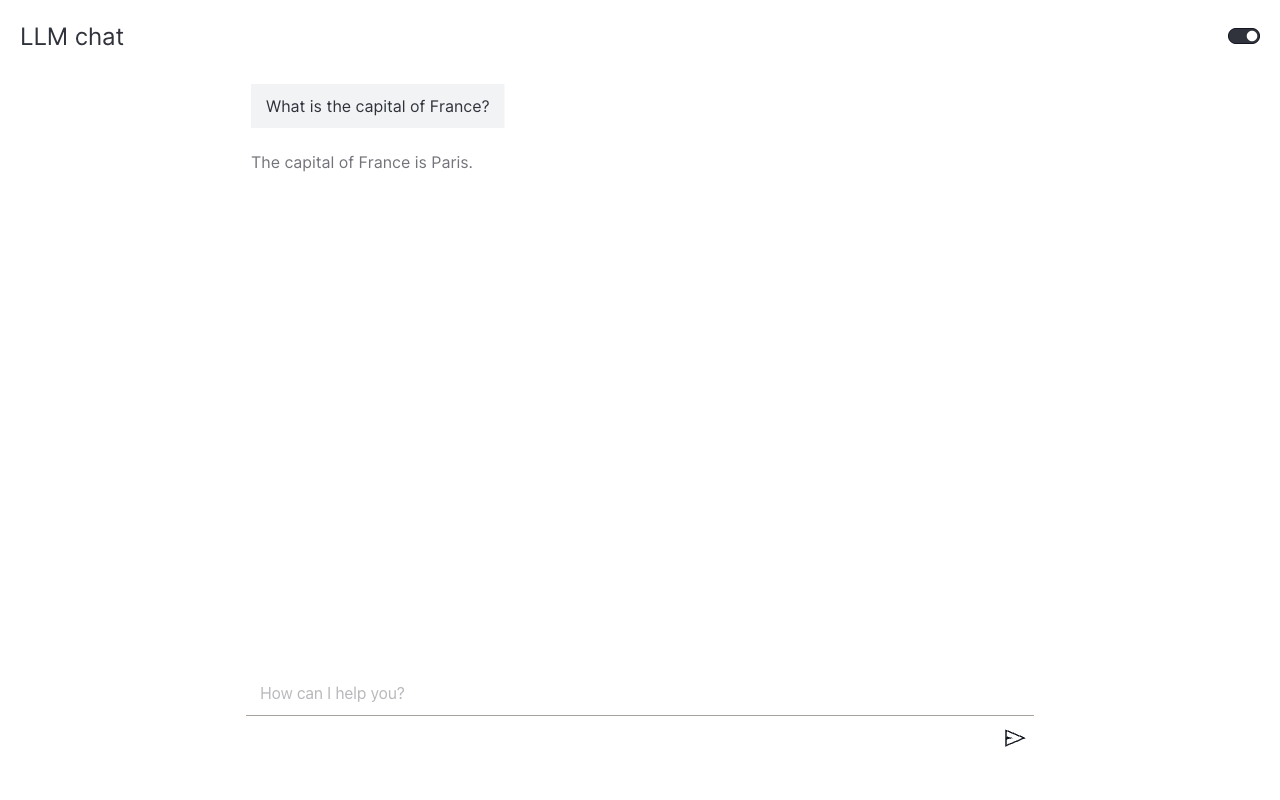
The action returns the full assistant message in one shot. To stream tokens as they arrive, see Stream text responses.
Use the same pattern for other providers
The shape is identical; only the SDK changes. For OpenAI:
from openai import OpenAI


class OpenAIChat(ChatAction):
    model: str = Field(default="gpt-4.1-nano")

    def generate_response(self, messages: list[Message]) -> str:
        client = OpenAI()
        api_messages = [{"role": m["role"], "content": m["content"]} for m in messages]
        response = client.responses.create(model=self.model, input=api_messages, store=False)
        return response.output_text
Multi-turn behavior
The messages argument is the full conversation history, not just the new user turn. The library handles storage (browser session storage), append-on-send, and restore-on-open for you; what you do with the history inside generate_response is your call.
| If your action needs… | Pass to the LLM |
|---|---|
| Follow-up questions ("and what about X?") to work | messages (the whole list); every example above does this |
| Each prompt to be independent (e.g. text-to-SQL with no memory) | messages[-1]["content"] only |
| Both, conditional on the user opting in | Add a Pydantic field on your action (e.g. multi_turn: bool = True) and branch |
If your action handles uploaded files (e.g. a vision model), historical attachments need to be re-sent alongside historical text so the model can answer follow-ups about an image uploaded earlier. See Add file upload.
The library does not truncate or summarize history. Token cost grows linearly with conversation length; if that matters, slice messages yourself before calling the LLM.
What's next
- Stream text responses: switch to
StreamingChatActionso users see tokens in real time. - Render Dash components: return charts, tables, or rich layouts from an action.